Brand Kit
The definitive guide to the Forge IT Systems visual identity. Colors, typography, logos, and components.
Logo Variants
All logos available in SVG and PNG. SVG recommended for web.
Clear Space
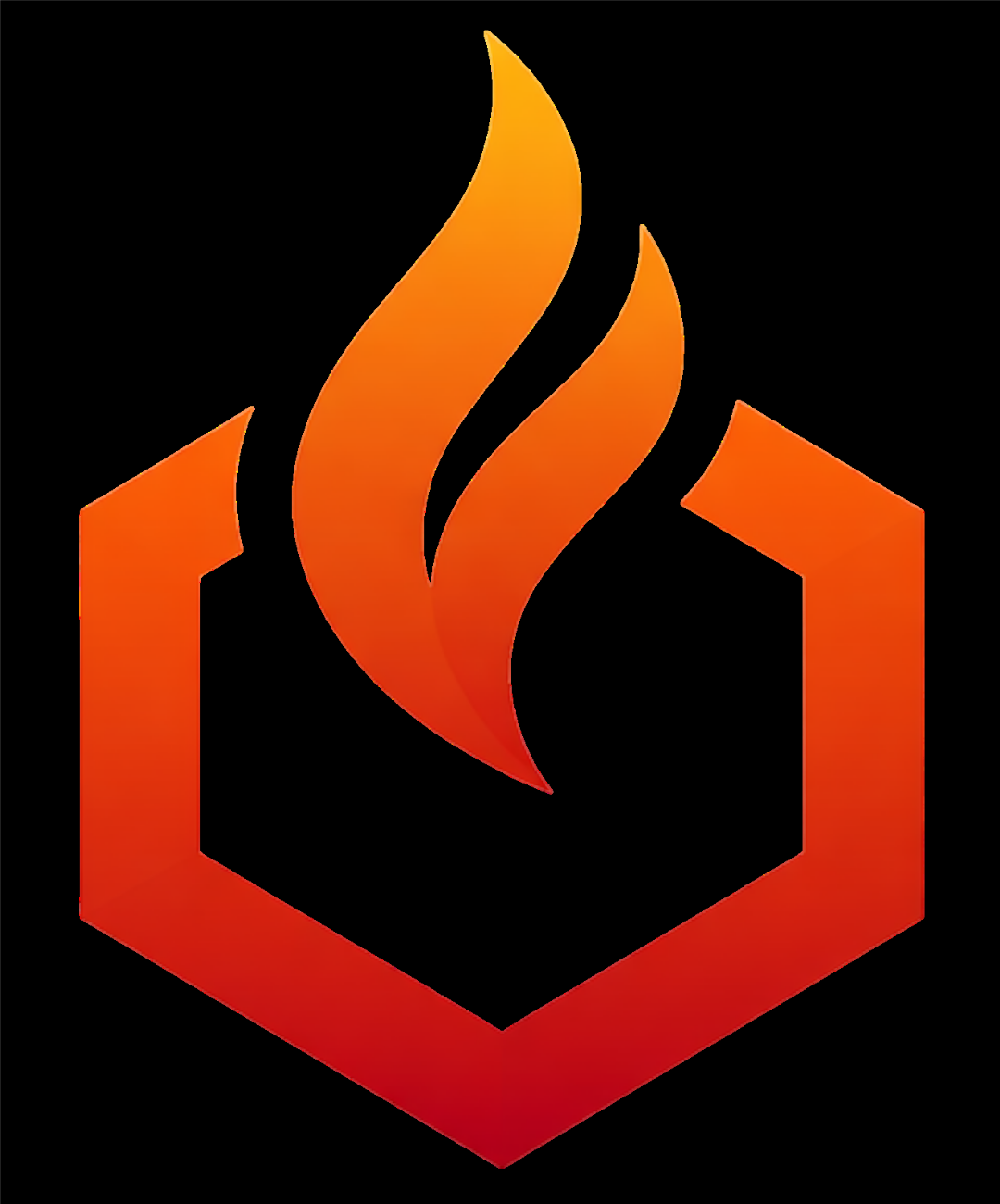
Maintain a minimum clear space equal to the height of the flame icon on all sides.
Usage Guidelines
- Use on solid backgrounds (dark or light)
- Scale proportionally — never stretch
- Text adapts to theme via currentColor
- Don't rotate, skew, or add effects
- Don't change the ember accent color
- Don't place on busy or photographic backgrounds
Social Media Covers
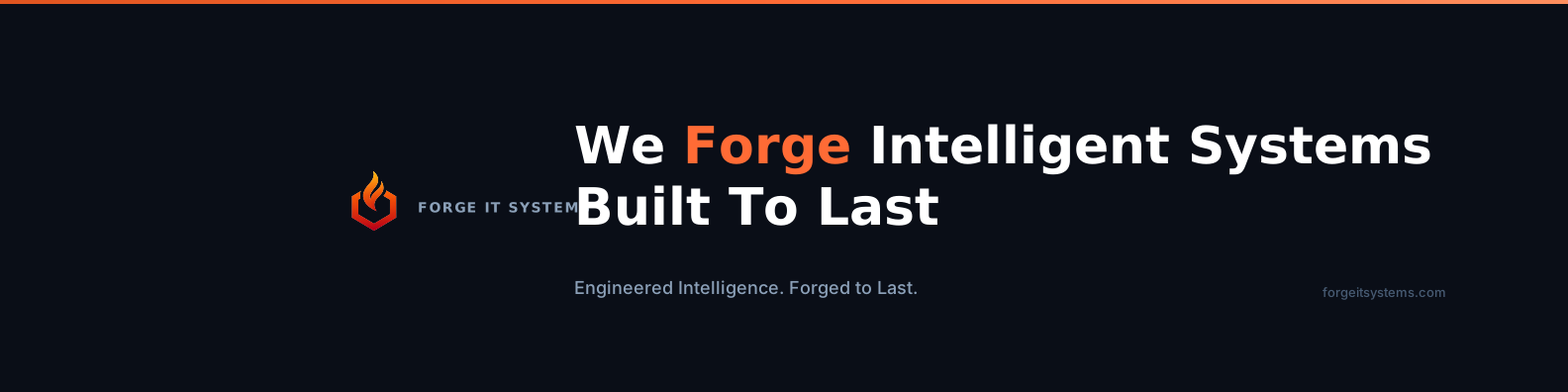
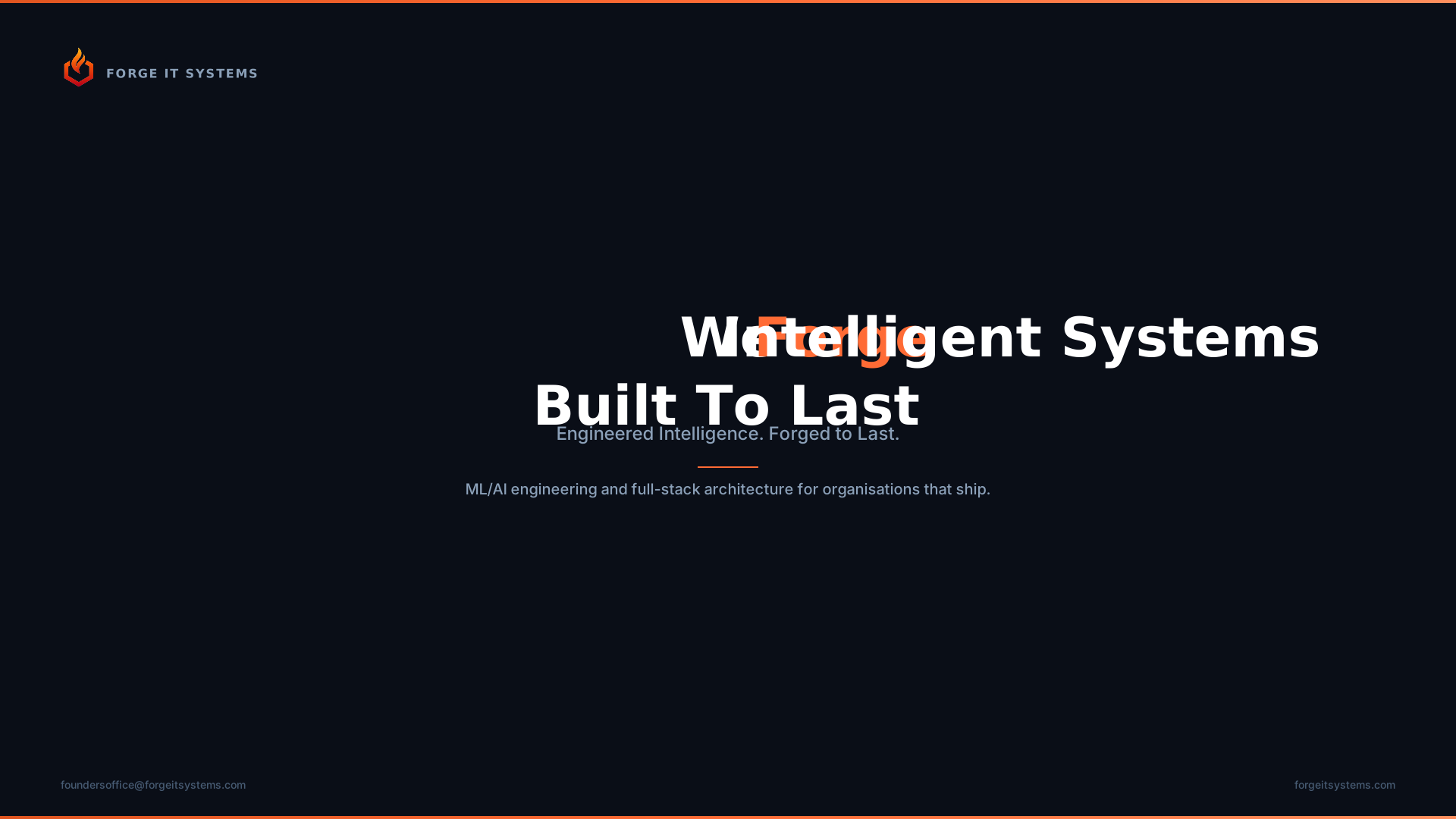
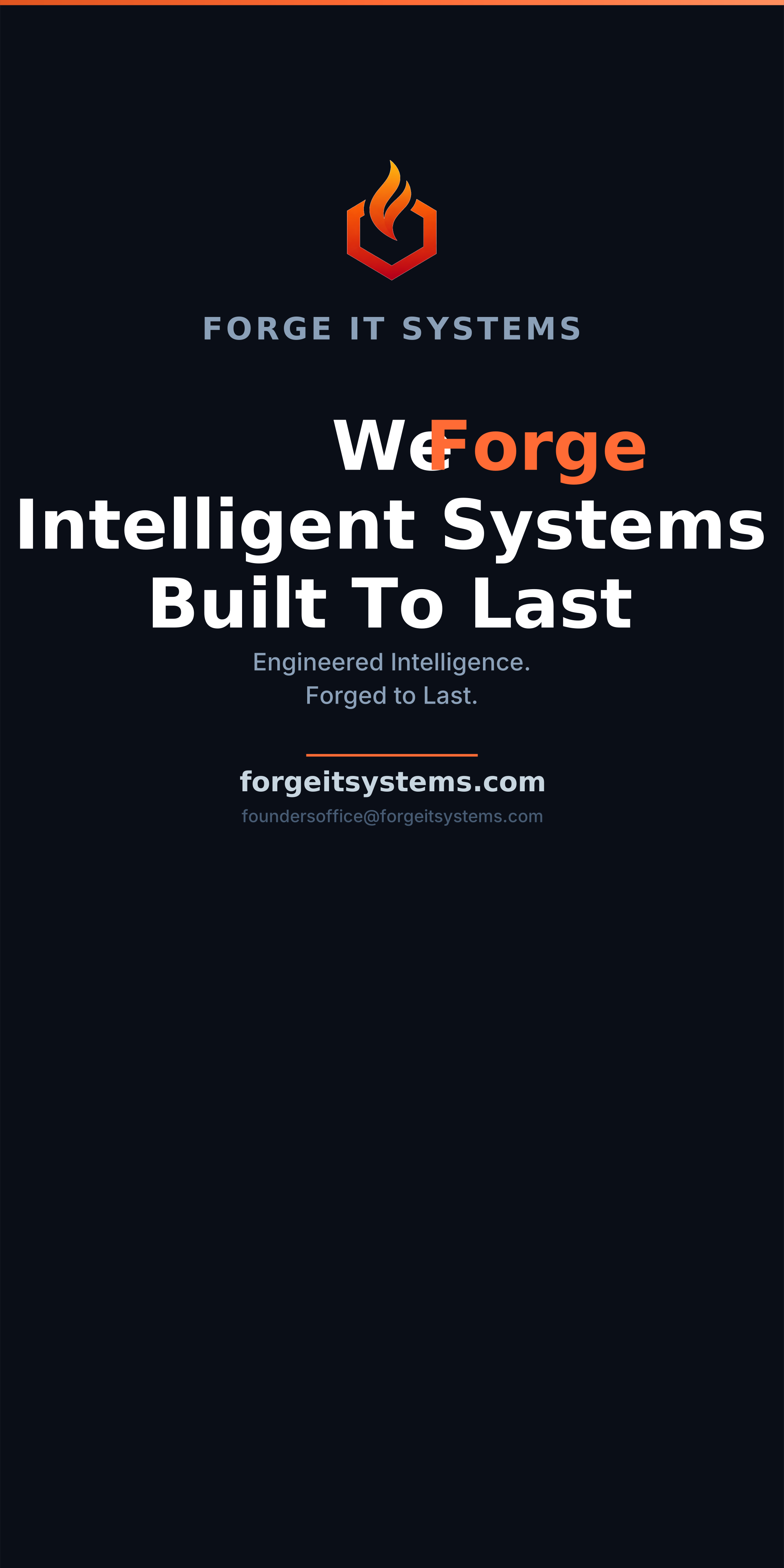
Cover images for all major platforms. Download dark or light variants.
Profile Pictures
Branded profile images sized for each platform.
Marketing Assets
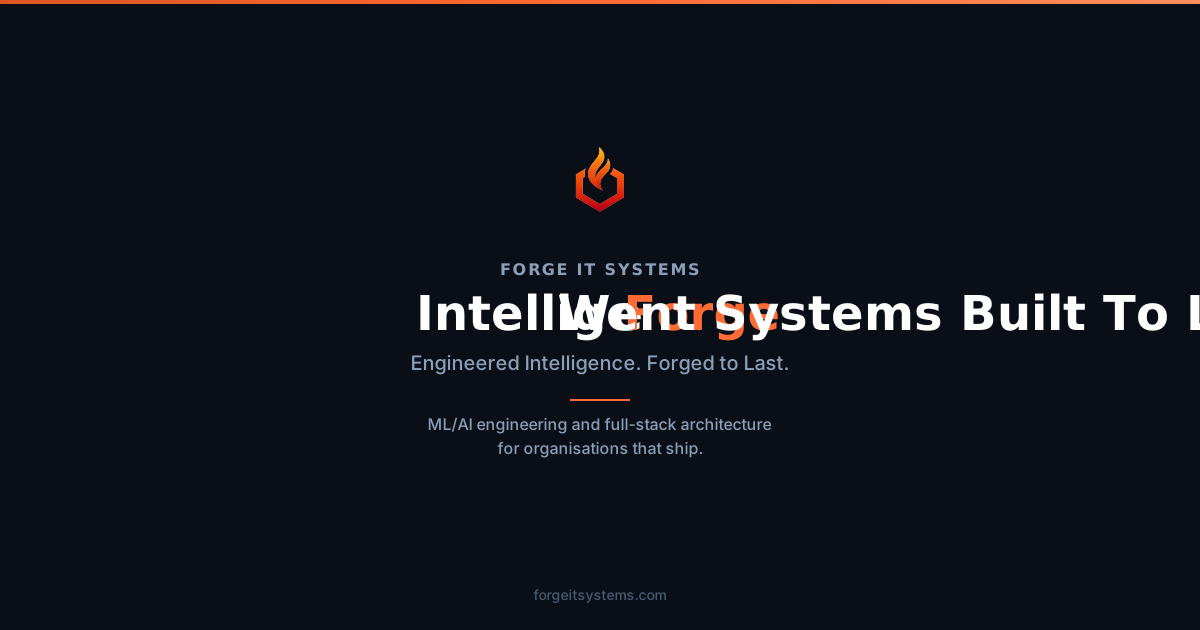
OG images, presentation slides, and print banners.
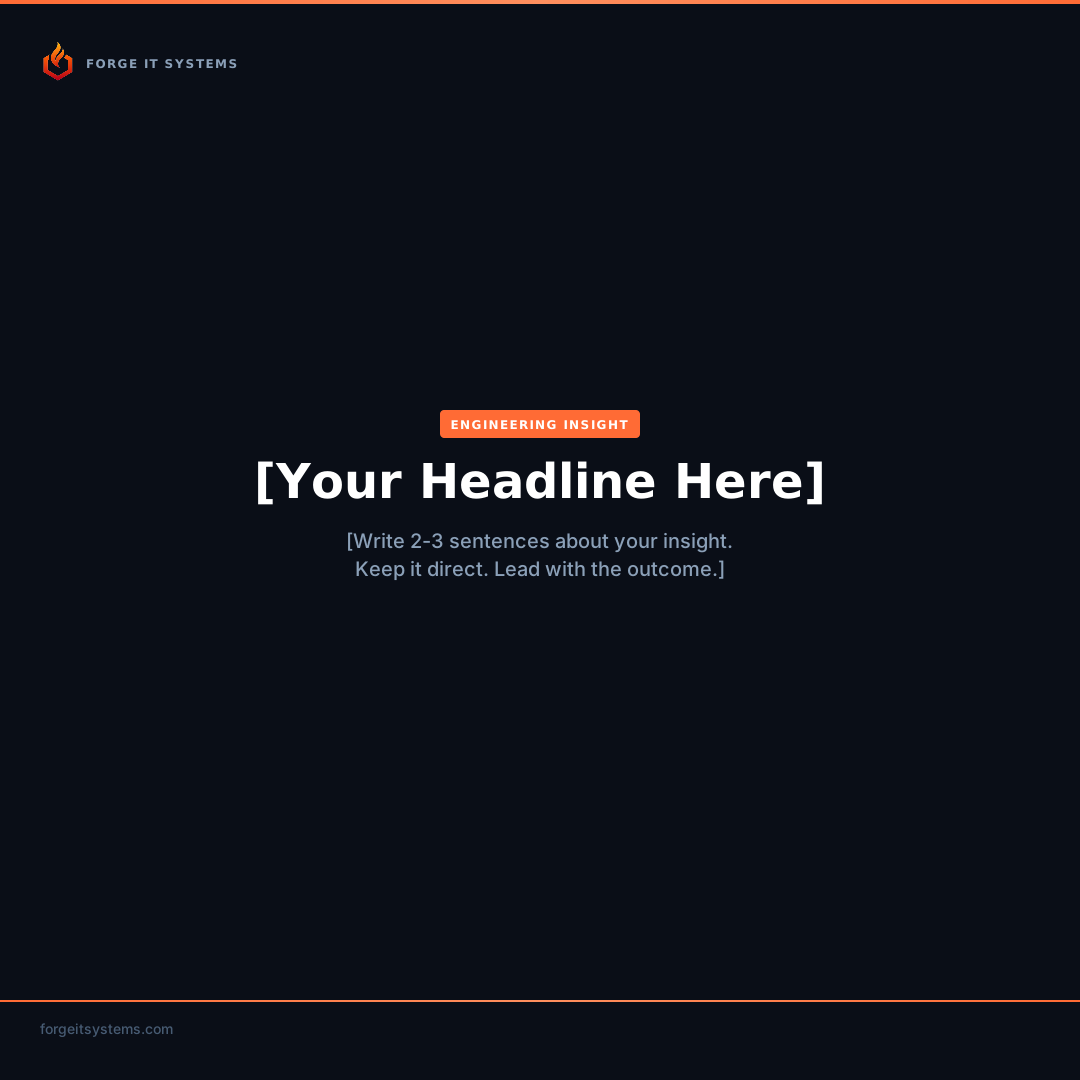
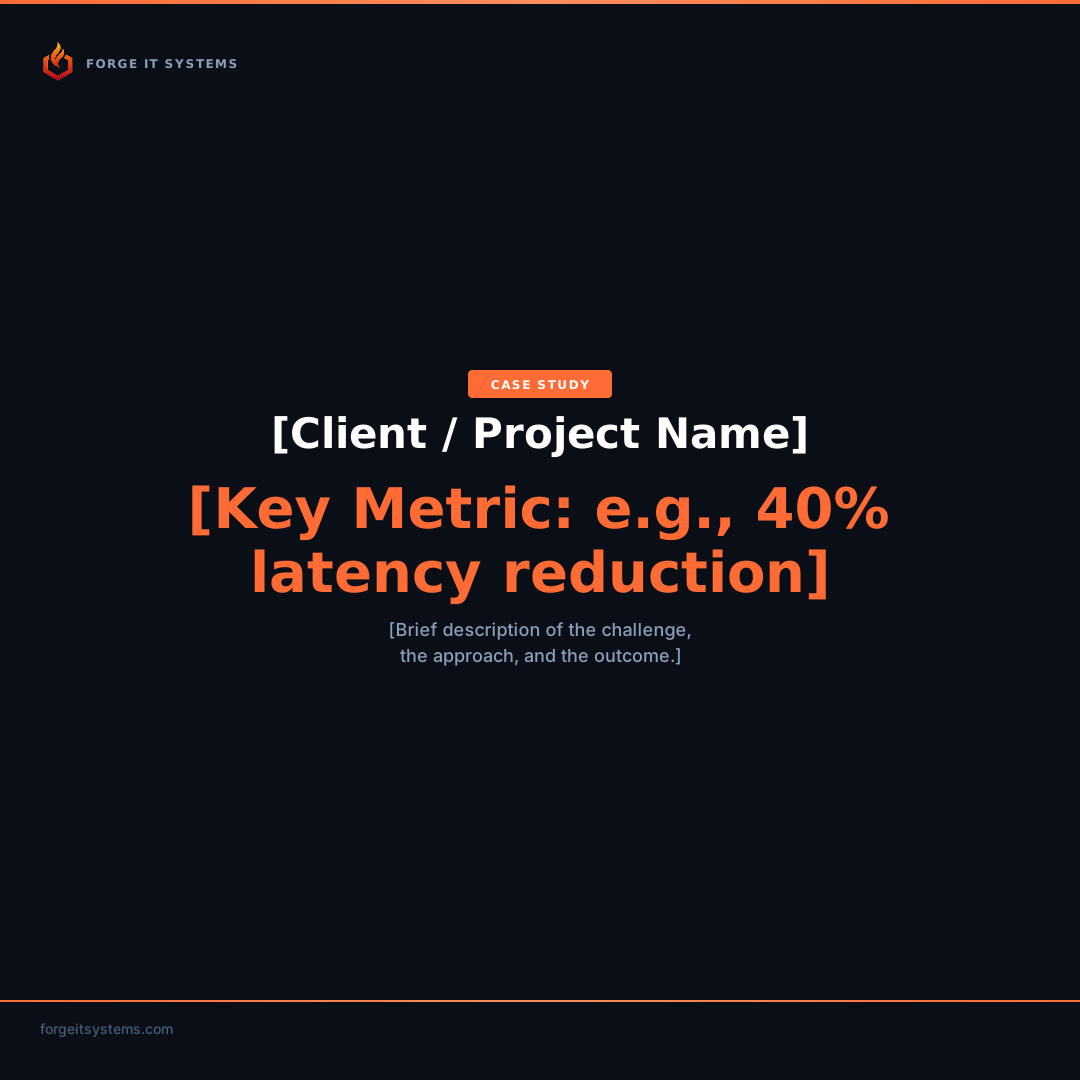
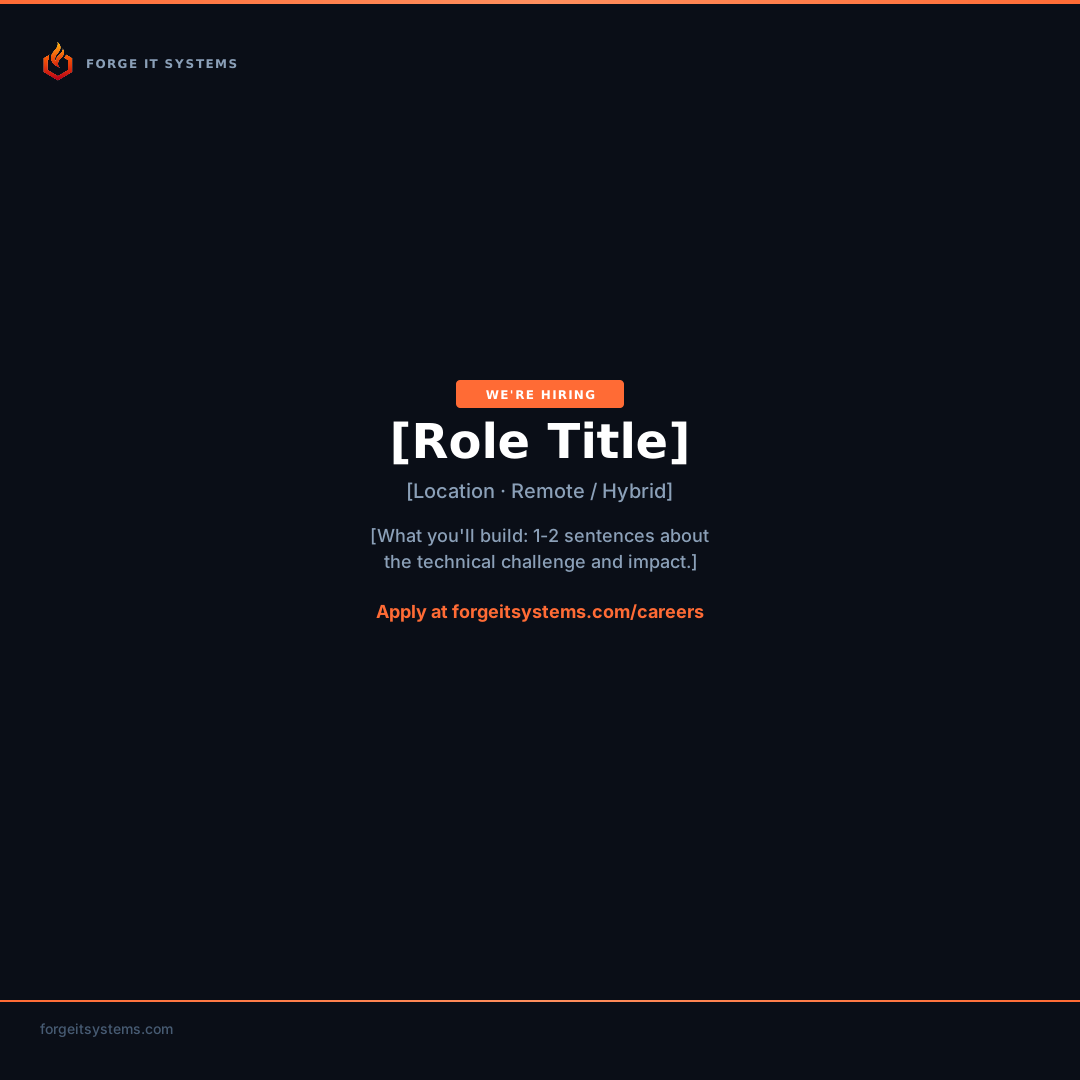
Social Post Templates
Editable templates for social media posts. Customize text before downloading.
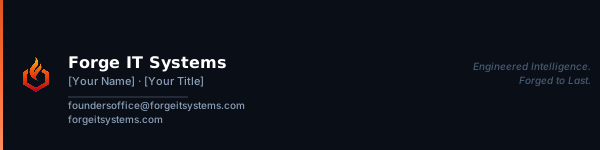
Email Signature
Professional email signature with editable name and title.

Copy & Messaging
Ready-to-use copy for social media, email, and marketing materials.
Elevator Pitch — Short
25-word company intro for bios and quick intros.
Forge IT Systems builds production-grade ML/AI pipelines and full-stack architecture for organisations that need engineering rigour, not slide decks.
Elevator Pitch — Long
75-word version for about sections and proposals.
Forge IT Systems is an ML/AI and full systems consultancy. We design, build, and deploy intelligent systems — from model training and inference pipelines to cloud-native architecture and production-grade applications. Our clients are organisations that ship: they need engineering rigour, clean architecture, and systems that run at scale without babysitting. We work in focused engagements with clear deliverables, transparent communication, and code you actually own.
LinkedIn Bio
Professional bio for LinkedIn company page or personal profiles.
ML/AI engineering and full-stack architecture for organisations that ship. We build production-grade pipelines, scalable infrastructure, and intelligent systems — with engineering rigour, not buzzwords.

forgeitsystems.com
X / Twitter Bio
Concise bio for X/Twitter (under 160 characters).
ML/AI engineering & full-stack architecture. We build intelligent systems that last. forgeitsystems.com
YouTube About
Channel description for YouTube.
Forge IT Systems — ML/AI engineering and full-stack architecture for organisations that ship.

We share technical deep-dives on model pipelines, MLOps, systems architecture, and production engineering. No fluff, no buzzwords — just engineering that works.

forgeitsystems.com
foundersoffice@forgeitsystems.com
Email — Client Outreach
Template for initial client outreach emails.
Subject: [Project Type] — Forge IT Systems

Hi [Name],

I'm reaching out from Forge IT Systems. We specialise in ML/AI engineering and full-stack architecture for organisations that need production-grade systems.

I noticed [specific observation about their company/product]. We've helped similar teams [brief relevant outcome].

Would you be open to a 20-minute call to explore whether there's a fit?

Best,
[Your Name]
Forge IT Systems
forgeitsystems.com
Email — Project Inquiry Response
Template for responding to inbound project inquiries.
Hi [Name],

Thanks for reaching out — we'd be happy to learn more about [project/problem].

To give you an accurate scope and timeline, it would help to understand:

1. What problem are you solving, and for whom?
2. What does success look like in 3 months?
3. Do you have existing infrastructure, or is this greenfield?
4. What's your timeline and budget range?

Happy to jump on a 30-minute discovery call this week. Here's my calendar: [link]

Best,
[Your Name]
Forge IT Systems
Color System
Three palettes: Steel for structure, Ember for energy, Alloy for signals.
Steel — Primary
Authority, precision, structure.
steel-950
Dark backgrounds
steel-900
Card backgrounds
steel-800
Elevated surfaces
steel-700
Borders, dividers
steel-600
Muted text
steel-400
Secondary text
steel-200
Primary text (dark)
steel-50
Light backgrounds
Ember — Accent
Energy, forge fire, calls to action.
ember-600
Active / pressed
ember-500
Primary CTA, highlights
ember-400
Hover states
ember-100
Subtle accent bgs
Alloy — Semantic
Informational signals.
alloy-blue
Links, info
alloy-green
Success
alloy-amber
Warning
alloy-red
Error
Type System
Three font families serve distinct roles.
Space Grotesk
ABCDEFGHIJKLM nopqrstuvwxyz 0123456789
Weights: 500, 700
Inter
ABCDEFGHIJKLM nopqrstuvwxyz 0123456789
Weights: 400, 500, 600
JetBrains Mono
ABCDEFGHIJKLM nopqrstuvwxyz 0123456789
Weights: 400, 500
Type Scale
Headline
Display
Section Title
Card Title
Subheading
Large Body
Body Large
Body text reads comfortably at this size.
Small text for captions and labels.
Spacing Scale
All spacing follows Tailwind's 4px base unit.
Component Library
Live-rendered examples of the core UI primitives.
Buttons
variant="primary"
variant="secondary"
variant="ghost"
variant="outline"
Badges
Cards
Default Card
Theme-aware background and border.
Elevated Card
Surface background for elevated elements.
Accent Border
Ember border for highlighted content.
Inputs
This field is required